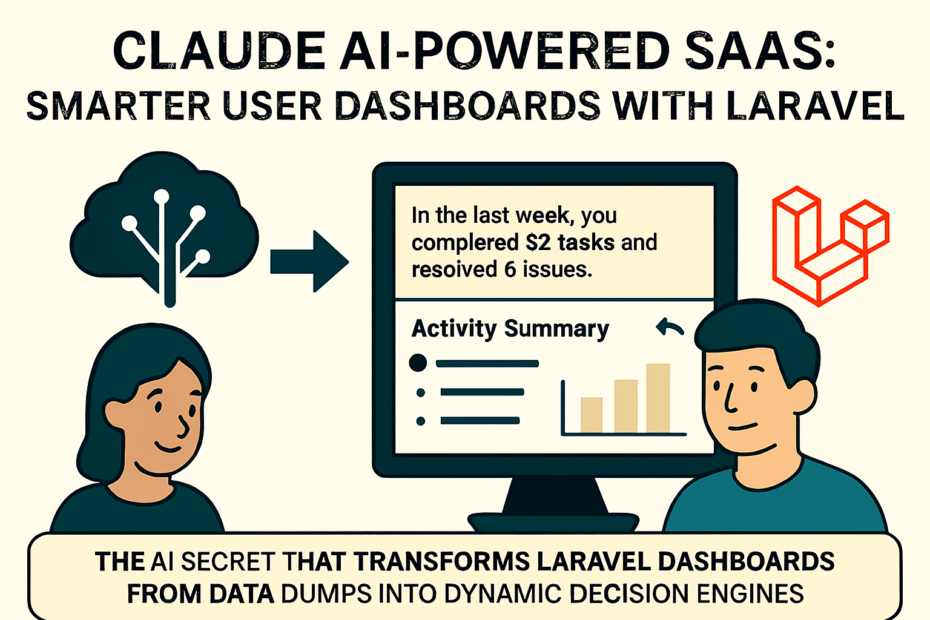
User dashboards are the heartbeat of any SaaS product. They’re where customers track progress, manage tasks, and interact with your service. But too often, dashboards are static, cluttered, and generic.
With Claude AI integrated into Laravel, you can build dashboards that are not only dynamic but intelligent — dashboards that adapt to user behavior, automate insights, and streamline workflows.
🚀 Why AI‑Powered Dashboards Matter
Traditional dashboards show data. AI‑powered dashboards interpret data.
Instead of just listing metrics, Claude AI can:
- Summarize user activity in natural language.
- Suggest next actions based on usage patterns.
- Automate repetitive backend tasks (via MCP servers).
- Personalize recommendations for each user.
This transforms dashboards from passive displays into active copilots.
🛠️ Setting the Stage: Laravel + Claude AI
Laravel provides the backend foundation: routes, models, controllers, and Blade views.
Claude AI connects through MCP (Model Context Protocol) servers, which expose Laravel endpoints as tools and resources.
Together, they create a feedback loop:
- Laravel → Provides structured data (tasks, logs, analytics).
- MCP → Exposes endpoints to Claude.
- Claude AI → Interprets data, generates insights, and triggers actions.
- Dashboard → Displays AI‑driven summaries and recommendations.
⚡ Example 1: Activity Summaries
Instead of showing raw logs, Claude can generate summaries:
Route::get('/logs', function () {
    return Log::latest()->take(50)->get();
});
Claude interprets:
“In the last 24 hours, you completed 12 tasks, deployed 2 features, and had 3 errors in staging.”
Displayed in the dashboard as a natural language insight card.
⚡ Example 2: Smart Task Suggestions
Claude can analyze usage patterns and suggest tasks:
Route::post('/tasks', function (Request $request) {
    return Task::create($request->all());
});
Claude prompt:
“Based on your last sprint, should I add a task to review error logs before deployment?”
The dashboard shows a suggested task card with one‑click approval.
⚡ Example 3: Personalized Metrics
Claude can tailor metrics per user:
<!-- resources/views/dashboard.blade.php -->
<x-layout>
    <div class="p-6 bg-white rounded shadow">
        <h1 class="text-xl font-bold">Welcome, {{ $user->name }}</h1>
        <p>{{ $aiSummary }}</p>
    </div>
</x-layout>
Where $aiSummary is generated by Claude:
“Your average response time improved by 18% this week. Keep it up!”
📊 Benefits of Claude AI Dashboards
| Feature | Traditional SaaS Dashboard | Claude AI‑Powered Dashboard |
|---|---|---|
| Data Display | Static charts | Dynamic, AI‑generated summaries |
| Task Management | Manual CRUD | AI‑suggested tasks |
| Personalization | Generic metrics | Tailored insights per user |
| Error Handling | Manual log checks | AI‑assisted debugging |
| Engagement | Passive | Interactive, adaptive |
🧭 Best Practices
- Secure endpoints: Protect MCP tools with authentication.
- Iterate gradually: Start with summaries, then add suggestions.
- Log AI actions: Keep transparency in what Claude generates.
- Balance automation: Let AI assist, but keep humans in control.
- Design for clarity: Present AI insights as cards, not clutter.
🔑 Final Thoughts
Claude AI + Laravel isn’t just about smarter dashboards — it’s about smarter SaaS. By turning dashboards into intelligent copilots, you empower users with actionable insights, reduce friction, and elevate the overall experience.
The future of SaaS dashboards isn’t static. It’s adaptive, conversational, and AI‑driven. And Laravel makes it easier than ever to build them.