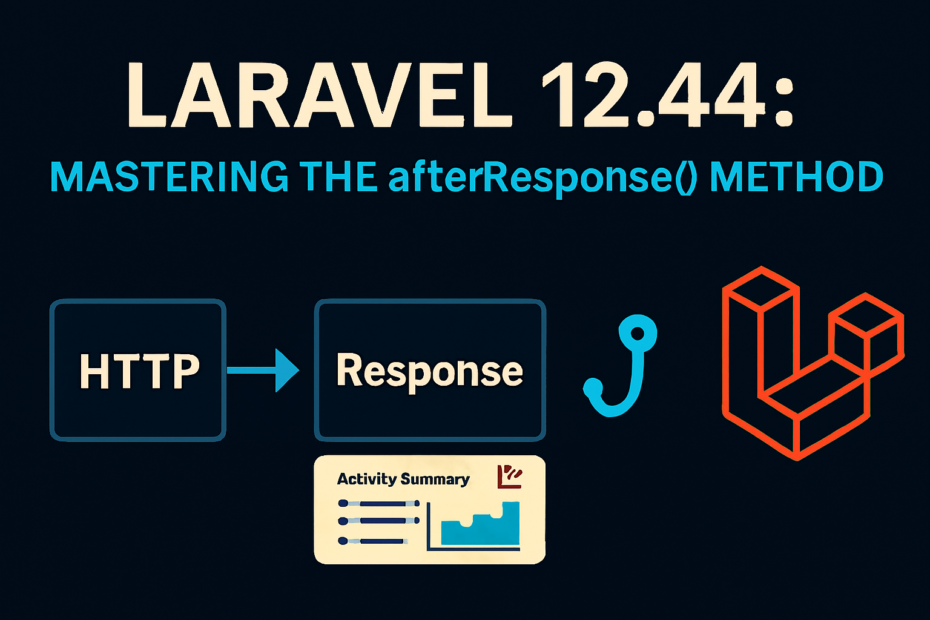
The Laravel team continues to refine developer experience, and version 12.44 brings a subtle but impactful addition: the afterResponse() method for the HTTP client. This new feature lets you attach callbacks that run after the response is returned, enabling cleaner, more flexible handling of API interactions.
🔎 What is afterResponse()?
Traditionally, when making HTTP requests with Laravel’s Http client, you’d handle responses inline or chain methods like throw() or retry(). With afterResponse(), you can now register callbacks that execute after the response is built, giving you a hook to:
- Log metrics (response times, status codes).
- Handle errors (e.g., API deprecation notices).
- Trigger events (notify other services).
- Mutate responses (adjust headers or data before returning).
🛠️ Example Usage
Here’s a practical example using Shopify’s API:
$response = Http::acceptJson()
    ->withHeader('X-Shopify-Access-Token', $shopCreds->token)
    ->baseUrl("https://{$shopCreds->shop_domain}.myshopify.com/admin/api/2025-10/")
    ->afterResponse(function (Response $response) use ($shopCreds) {
        $header = $response->header('X-Shopify-API-Deprecated-Reason');

        if ($header) {
            // Log deprecation warnings
            Log::warning("Shopify API deprecated: {$header}", [
                'shop' => $shopCreds->shop_domain,
            ]);
        }
    })
    ->get('products.json');
In this snippet:
- The request is made to Shopify’s API.
- The
afterResponse()callback inspects headers for deprecation notices. - If found, it logs a warning for developers to act on.
⚡ Multiple Callbacks
You can chain multiple afterResponse() calls:
Http::get('/api/data')
    ->afterResponse(fn($response) => Log::info('Response time: '.$response->transferStats->getTransferTime()))
    ->afterResponse(fn($response) => event(new ApiResponseReceived($response)));
This keeps your request logic clean while centralizing post-response actions.
📊 Benefits of afterResponse()
| Feature | Before 12.44 | With afterResponse() |
|---|---|---|
| Logging | Inline in request logic | Centralized callbacks |
| Error handling | Manual checks | Automated hooks |
| Response mutation | Limited | Flexible callbacks |
| Code readability | Mixed concerns | Clean separation |
🧭 Best Practices
- Keep callbacks lightweight: Avoid heavy processing inside
afterResponse(). - Log strategically: Use it for metrics, warnings, or audit trails.
- Don’t over-mutate: Responses should remain predictable for consumers.
- Combine with events: Trigger Laravel events for broader system reactions.
🔑 Final Thoughts
The afterResponse() method in Laravel 12.44 is a small but mighty addition. It empowers developers to build cleaner, smarter HTTP clients by separating request logic from response handling. Whether you’re logging API performance, catching deprecation warnings, or triggering downstream events, this feature makes your SaaS integrations more robust and maintainable.
Laravel continues to prove why it’s the framework of choice for developers who value elegance and productivity.