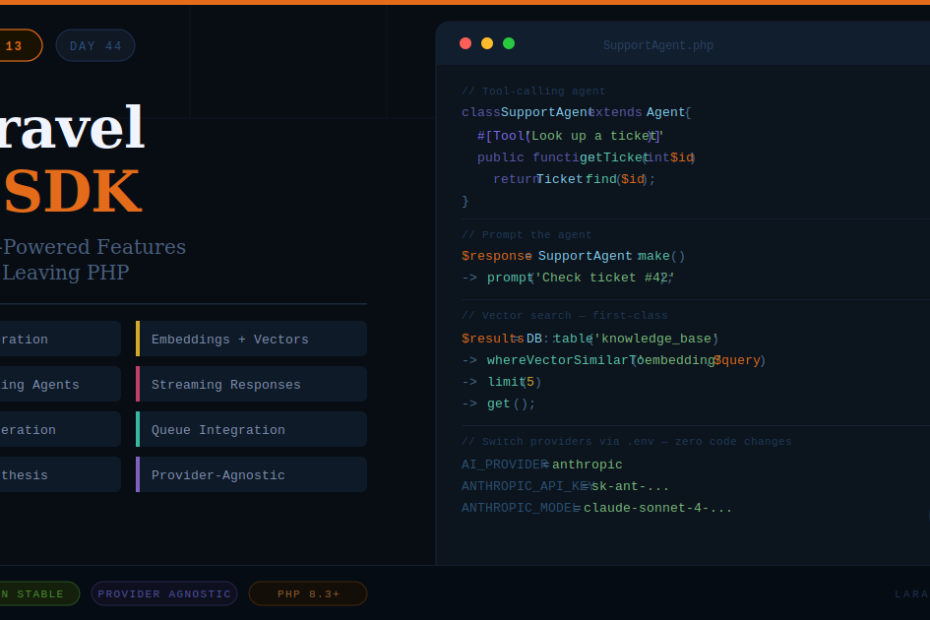
The first-party package that makes every Laravel app AI-ready — no Python, no third-party wrappers, no leaving your comfort zone.
Every framework eventually gets an AI story. Laravel’s just became official.
With Laravel 13, the Laravel AI SDK graduated from beta to production-stable — and it’s not just a thin wrapper around OpenAI’s API. It’s a fully integrated, provider-agnostic toolkit for building AI features directly inside your Laravel application, using the patterns you already know: service containers, queues, config files, and Artisan commands.
This is the article that walks you through everything — what it does, how it works, and how to start using it today.
What Is the Laravel AI SDK?
The Laravel AI SDK is a first-party Laravel package that provides a unified API for:
- Text generation — chat completions, instructions, summaries
- Tool-calling agents — AI that can execute functions inside your app
- Image generation — create images from plain-language prompts
- Audio synthesis — convert text to natural-sounding speech
- Embeddings — convert text into vector representations for semantic search
- Vector store integration — store and query embeddings against your database
The key word is provider-agnostic. You write your code once, and swapping from OpenAI to Anthropic (or any other supported provider) is a configuration change — not an application change.
Installation
If you’re on Laravel 13, the AI SDK is already available. Install it via Composer:
composer require laravel/ai
Then publish the config file:
php artisan vendor:publish --tag=ai-config
This creates config/ai.php where you configure your default provider and API keys.
// config/ai.php
return [
    'default' => env('AI_PROVIDER', 'openai'),

    'providers' => [
        'openai' => [
            'api_key' => env('OPENAI_API_KEY'),
            'model'   => env('OPENAI_MODEL', 'gpt-4o'),
        ],
        'anthropic' => [
            'api_key' => env('ANTHROPIC_API_KEY'),
            'model'   => env('ANTHROPIC_MODEL', 'claude-sonnet-4-20250514'),
        ],
    ],
];
Add your keys to .env and you’re ready.
Feature 1: Text Generation
The simplest use case — generate text from a prompt.
use Laravel\Ai\Facades\Ai;

$response = Ai::text('Summarize this article in three bullet points: ' . $articleContent);

echo $response; // Returns a plain string
You can also pass a structured instruction with a system prompt:
$response = Ai::text(
    prompt: 'What is the capital of France?',
    system: 'You are a helpful geography assistant. Keep answers under 20 words.'
);
This is perfect for: content summarization, auto-generating meta descriptions, answering user questions, generating email drafts, and any text transformation task.
Feature 2: AI Agents with Tool Calling
This is where it gets genuinely powerful. Agents are AI instances that can call functions inside your application — read data, write records, send emails — based on the conversation context.
Step 1: Create an agent class
php artisan make:agent SupportAgent
// app/Ai/Agents/SupportAgent.php

namespace App\Ai\Agents;

use Laravel\Ai\Agent;
use Laravel\Ai\Attributes\Tool;
use App\Models\Ticket;

class SupportAgent extends Agent
{
    protected string $system = 'You are a helpful customer support agent.
        You can look up tickets and update their status.';

    #[Tool('Look up a support ticket by ID')]
    public function getTicket(int $ticketId): string
    {
        $ticket = Ticket::find($ticketId);

        if (! $ticket) {
            return 'Ticket not found.';
        }

        return "Ticket #{$ticket->id}: {$ticket->subject} — Status: {$ticket->status}";
    }

    #[Tool('Mark a ticket as resolved')]
    public function resolveTicket(int $ticketId): string
    {
        $ticket = Ticket::find($ticketId);
        $ticket->update(['status' => 'resolved']);

        return "Ticket #{$ticketId} has been marked as resolved.";
    }
}
Step 2: Prompt the agent
use App\Ai\Agents\SupportAgent;

$response = SupportAgent::make()
    ->prompt('Can you check ticket #42 and resolve it if it\'s still open?');

return (string) $response;
The agent will automatically call getTicket(42), decide to resolve it, call resolveTicket(42), and return a natural language summary — all in one prompt call. No manual orchestration needed.
This is how you build AI-powered workflows that actually interact with your application’s data.
Feature 3: Image Generation
Generate images from text prompts using whichever image provider is configured:
use Laravel\Ai\Facades\Ai;

$image = Ai::image('A minimalist illustration of a PHP elephant coding on a laptop, flat design, teal and white colors');

// Save to storage
Storage::put('images/generated.png', $image->content());

// Or get the URL directly if using a URL-based provider
echo $image->url();
Useful for: generating placeholder images, creating custom thumbnails, building AI image tools for your users, or automating social media visuals.
Feature 4: Audio Synthesis (Text to Speech)
Convert any text into natural-sounding audio — useful for accessibility features, podcast-style content, or voice assistants:
use Laravel\Ai\Facades\Ai;

$audio = Ai::audio('Welcome to our platform. Your account has been created successfully.');

Storage::put('audio/welcome.mp3', (string) $audio);
You can specify voice, speed, and format depending on your provider’s capabilities.
Feature 5: Embeddings and Vector Search
This is the feature that unlocks semantic search — finding results based on meaning rather than exact keyword matches.
Generate an embedding:
use Laravel\Ai\Facades\Ai;

$embedding = Ai::embed('How do I reset my password?');

// Returns a float[] vector you can store in the database
$vector = $embedding->vector();
Store embeddings with Eloquent:
// In your migration
$table->vector('embedding', dimensions: 1536); // PostgreSQL + pgvector

// In your model
public function generateEmbedding(): void
{
    $this->embedding = Ai::embed($this->content)->vector();
    $this->save();
}
Query semantically using the new query builder method:
$results = DB::table('knowledge_base')
    ->whereVectorSimilarTo('embedding', 'reset my password')
    ->orderByVectorSimilarity('embedding', 'reset my password')
    ->limit(5)
    ->get();
This is how you build a support knowledge base that returns the most relevant article even when the user’s phrasing doesn’t exactly match any keyword.
Feature 6: Streaming Responses
For chat interfaces where you want the AI response to appear word-by-word (like ChatGPT), the SDK supports streaming out of the box:
use Laravel\Ai\Facades\Ai;

return response()->stream(function () {
    Ai::text('Write a short poem about PHP.')
        ->stream(function (string $chunk) {
            echo $chunk;
            ob_flush();
            flush();
        });
});
Pair this with a Vue or Alpine.js frontend that reads the stream, and you have a real-time AI chat experience in your Laravel app.
Running AI Tasks in the Queue
For longer-running AI tasks (like summarizing a 50-page document), you don’t want to block the HTTP request. The SDK integrates cleanly with Laravel’s queue system:
// app/Jobs/SummarizeDocument.php

use Illuminate\Bus\Queueable;
use Illuminate\Contracts\Queue\ShouldQueue;
use Laravel\Ai\Facades\Ai;

class SummarizeDocument implements ShouldQueue
{
    use Queueable;

    public function __construct(private Document $document) {}

    public function handle(): void
    {
        $summary = Ai::text('Summarize this document: ' . $this->document->content);

        $this->document->update(['summary' => $summary]);
    }
}
Dispatch it like any other job:
SummarizeDocument::dispatch($document);
The AI call happens in the background, and your HTTP response remains instant.
Switching Providers
The whole point of being provider-agnostic. To switch from OpenAI to Anthropic across your entire application:
AI_PROVIDER=anthropic
ANTHROPIC_API_KEY=your-key-here
ANTHROPIC_MODEL=claude-sonnet-4-20250514
No code changes. Every Ai::text(), Ai::image(), Ai::embed() call picks up the new provider automatically.
You can also switch per-call for specific use cases:
// Use Anthropic for this specific call regardless of default
$response = Ai::provider('anthropic')->text('Explain quantum entanglement simply.');
Real-World Use Cases
Here’s where this SDK earns its place in production:
SaaS applications — add an AI assistant that understands your user’s data and can take actions inside the app (like the SupportAgent example above).
Content platforms — auto-generate summaries, tags, and meta descriptions for every article published.
E-commerce — generate product descriptions, answer customer questions with a knowledge base agent, recommend products using semantic search.
Internal tools — build a Slack-style bot that can query your database, generate reports, and answer team questions using your company’s own data.
Developer tools — build code review assistants, documentation generators, or commit message writers.
A Note on Costs
AI API calls cost money. A few practices that keep bills manageable:
- Cache aggressively. If the same prompt is called repeatedly (e.g. generating a page’s SEO meta from the same content), cache the result with
Cache::remember(). - Use the queue. Don’t generate on every request — generate once, store, reuse.
- Choose models wisely. Use smaller, cheaper models for simple tasks (classification, short summaries) and larger models only where quality truly matters.
- Set token limits. Always pass a
maxTokensparameter to avoid runaway responses.
$response = Ai::text(
    prompt: $userInput,
    maxTokens: 500
);
Final Thoughts
The Laravel AI SDK isn’t trying to make you an AI engineer. It’s trying to make you a PHP developer who can ship AI features — today, using the tools and patterns you already know.
The agent system especially is worth spending time with. The ability to give an AI model access to your application’s data and actions, orchestrate complex multi-step workflows, and have it all happen inside a standard Laravel class — that’s genuinely new ground for PHP development.
If you’re building anything user-facing in 2026 and haven’t explored what AI can add to it, this SDK removes the last excuse. Install it, write your first agent, and see what becomes possible.
Exploring the tools that are reshaping what PHP developers can build.