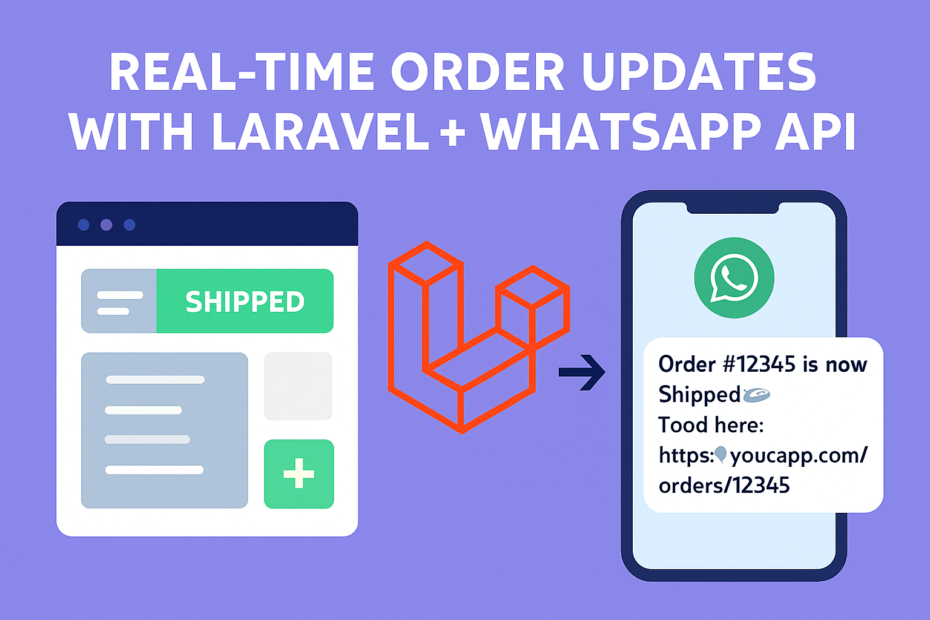
In 2025, customer expectations are clear: instant updates. Whether it’s food delivery, e‑commerce, or SaaS billing, users want real‑time notifications. With Laravel + WhatsApp Business API, you can send order updates directly to WhatsApp — no third‑party SDKs, just clean HTTP calls.
This guide shows you how to integrate WhatsApp Business API into your Laravel app for bulletproof order tracking.
⚙️ Prerequisites
- Laravel 10+
- PHP 8.2+
- WhatsApp Business API access (via Meta Developer Portal)
- A verified WhatsApp Business number
- Your WhatsApp Cloud API token and phone number ID
🔐 How to Get WhatsApp Business API Access & Keys
To use WhatsApp Cloud API directly with Laravel (no Twilio, no SDKs), follow these steps:
✅ Step 1: Create a Meta Developer Account
- Visit Meta for Developers
- Log in with your Facebook account
- Click “My Apps” → Create App → Choose Business as the app type
✅ Step 2: Set Up WhatsApp
- Inside your app dashboard, go to “Add Product” → Select WhatsApp
- Click Set Up → You’ll be redirected to the WhatsApp Business API dashboard
✅ Step 3: Get Your API Token & Phone Number ID
- In the WhatsApp dashboard, go to “Getting Started”
- You’ll see:
- Temporary Access Token (valid for 24 hours — later you’ll generate a permanent one)
- Phone Number ID (linked to your test or verified business number)
- WhatsApp Business Account ID
✅ Step 4: Verify Your Business Number
- Go to WhatsApp Manager in Meta Business Suite
- Add and verify your business phone number
- Once verified, you can send messages to real users (not just sandbox/test numbers)
✅ Step 5: Enable Webhooks (Optional but Powerful)
- In your Meta app dashboard, go to Webhooks
- Subscribe to message status updates (e.g., delivered, read, failed)
- Point it to your Laravel endpoint (e.g.,
/webhook/whatsapp) for real-time delivery tracking
Now Lets move to Laravel Setup
🛠 Step 1: Configure Environment
Add credentials to .env:
WHATSAPP_TOKEN=your_meta_api_token
WHATSAPP_PHONE_ID=your_phone_number_id
WHATSAPP_API_URL=https://graph.facebook.com/v18.0
🛠 Step 2: Create a WhatsApp Service
Generate a service class:
php artisan make:service WhatsAppServiceInside app/Services/WhatsAppService.php:
<?php

namespace App\Services;

use Illuminate\Support\Facades\Http;

class WhatsAppService
{
    protected $token;
    protected $phoneId;
    protected $apiUrl;

    public function __construct()
    {
        $this->token   = config('services.whatsapp.token');
        $this->phoneId = config('services.whatsapp.phone_id');
        $this->apiUrl  = config('services.whatsapp.api_url');
    }

    public function sendMessage(string $to, string $message)
    {
        $url = "{$this->apiUrl}/{$this->phoneId}/messages";

        $response = Http::withToken($this->token)->post($url, [
            'messaging_product' => 'whatsapp',
            'to' => $to,
            'type' => 'text',
            'text' => ['body' => $message],
        ]);

        return $response->json();
    }
}
Update config/services.php:
'whatsapp' => [
    'token' => env('WHATSAPP_TOKEN'),
    'phone_id' => env('WHATSAPP_PHONE_ID'),
    'api_url' => env('WHATSAPP_API_URL'),
],
🛠 Step 3: Trigger Real-Time Order Updates
In your OrderController:
use App\Services\WhatsAppService;

public function updateStatus($orderId, $status, WhatsAppService $whatsapp)
{
    $order = Order::findOrFail($orderId);

    $order->status = $status;
    $order->save();

    $message = "Order #{$order->id} is now *{$status}* 🚀";
    $whatsapp->sendMessage($order->customer_phone, $message);

    return response()->json(['success' => true]);
}
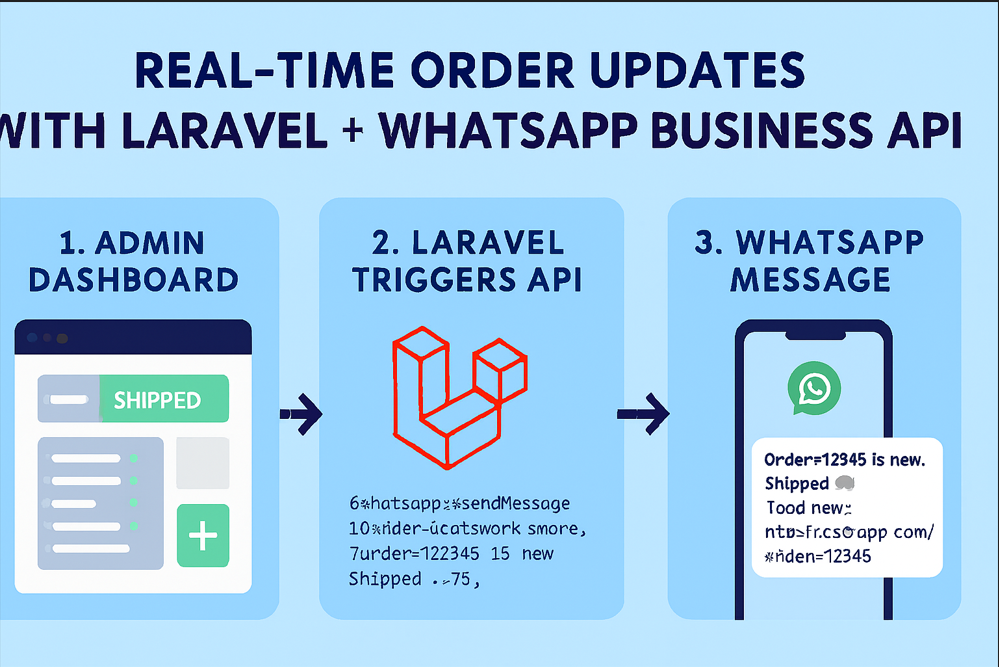
🛠 Step 4: Example Workflow
- Customer places an order.
- Laravel saves it in DB.
- On status change (
processing → shipped → delivered), WhatsApp API sends a message:
Message Example:
Order #12345 is now *Shipped* 🚚
Track here: https://yourapp.com/orders/12345
🎬 Demo Flow
🎯 Final Thoughts
With Laravel + WhatsApp Business API, you can deliver real-time order updates without third‑party SDKs. This approach is:
- Direct (no middleware services)
- Secure (Meta API token)
- Scalable (works with queues + Horizon for high volume)
👉 In 2026, customer trust will hinge on instant communication. Laravel makes it simple, WhatsApp makes it universal.